How to Program Your Garage Door Remote – Jim Garage Door Repair in Dover, NH
How to Program Your Garage Door Remote
If you’ve ever dealt with the frustration of a malfunctioning garage door remote, you’re not alone. Whether you’re a long-time homeowner or new to the area of Dover, NH, it’s crucial to understand how to program your garage door remote effectively. In this comprehensive guide, we’ll walk you through the steps necessary to get your remote working seamlessly again, ensuring easy access to your home while also highlighting when to call in the professionals at Jim Garage Door Repair.
Understanding Your Garage Door Remote
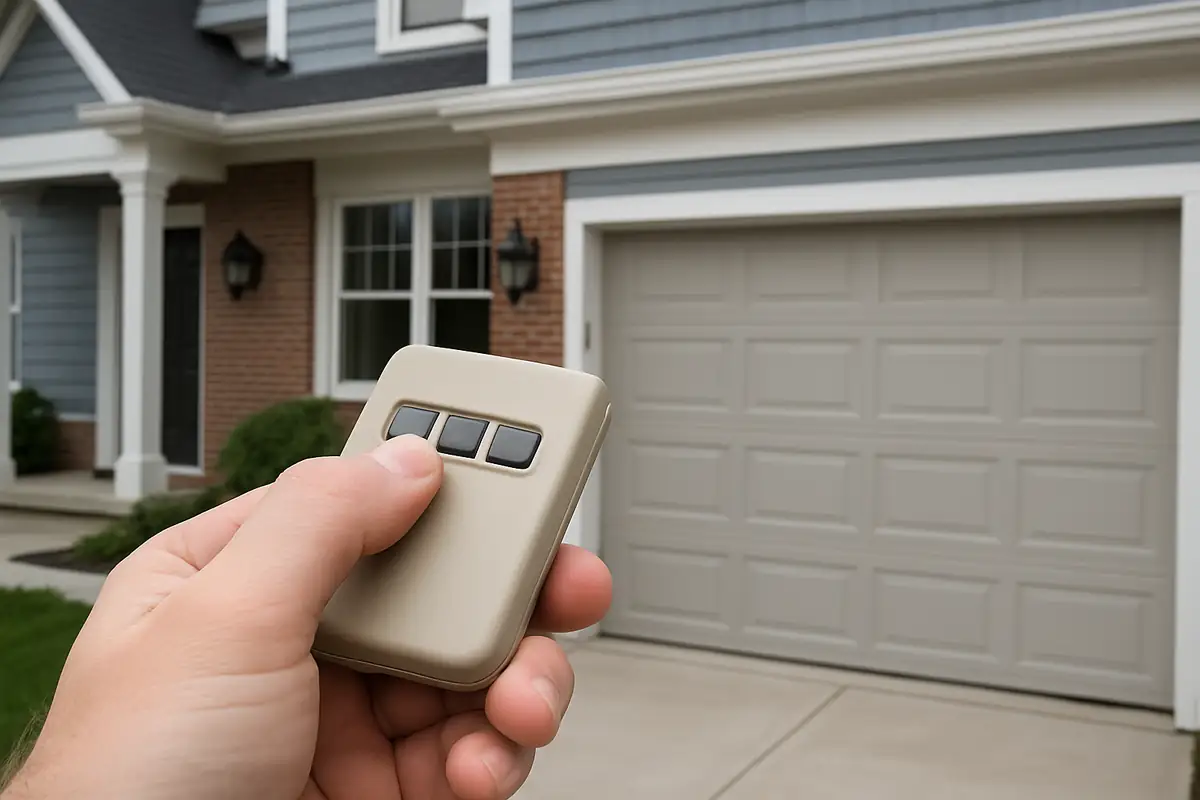
Before diving into the programming process, it’s important to have a basic understanding of how your garage door remote works. A standard garage door opener uses radio frequency to communicate with your garage door system. Here are some key components:
- Transmitter: This is your remote control that sends the signal.
- Receiver: This is located within the garage door opener mechanism and receives the signal from the transmitter.
- Frequency: Most garage door remotes operate at either 315 MHz or 390 MHz.
Compatibility Check
Before you proceed with programming, ensure that your remote is compatible with your garage door opener. If you’re unsure, you can check the manufacturer’s manual or contact Jim Garage Door Repair for assistance.
Step-by-Step Guide to Programming Your Garage Door Remote
Now that you have a basic understanding, let’s dive into how to program your garage door remote. Follow these steps closely:
- Locate the Learn Button: This button is typically found on the back or side of the garage door motor. It may be labeled as 'Learn,' 'Program,' or 'Smart.'
- Clear Existing Codes (if necessary): If you’re changing remotes or troubleshooting, you may want to clear existing codes. To do this, press and hold the learn button until the light blinks, then turns off.
- Press the Learn Button: Press the learn button once and release it. The light should turn on, indicating that the garage door opener is in programming mode.
- Press the Remote Button: Within 30 seconds, press and hold the button you want to use on your remote. The light on the motor will blink, confirming that the programming was successful.
- Test the Remote: Try using the remote to open and close your garage door. If it works, congratulations! If not, repeat the steps or consult a professional.
Common Issues and Troubleshooting Tips
Even after following the steps above, you may encounter issues. Here are some common problems and their solutions:
- Remote Not Responding: Replace the battery in the remote and try again.
- Programming Mode Won't Activate: Ensure you’re pressing the learn button correctly and that your opener model supports remote programming.
- Signal Interference: Check for any obstructions or electronics that might be causing interference.
Statistics on Garage Door Issues
Did you know that over 70% of garage door issues are related to remote control malfunctions? Keeping your remote in good working order is essential for quick and easy access to your home.
Safety Precautions When Programming Your Garage Door Remote
While programming your remote is a straightforward process, safety should always come first. Here are some practical tips:
- Keep the garage door in view while programming.
- Avoid standing under the door while testing the remote.
- Ensure children and pets are away from the door during the process.
When to Call Jim Garage Door Repair
Sometimes, programming issues can stem from deeper mechanical problems. If your garage door remote continues to malfunction after multiple programming attempts, it might be time to call in the professionals. Jim Garage Door Repair in Dover, NH, offers expert service to diagnose and fix any garage door issues you may face.
Conclusion
Programming your garage door remote doesn’t have to be a daunting task. With the right guidance, you can easily regain control over your garage door access. Remember to keep safety in mind and consult professionals like Jim Garage Door Repair if you run into any persistent issues. Don’t let a faulty remote slow you down—reach out today for expert assistance!
Explore More Resources
Related Articles
Service Areas
We proudly serve Dover, Tuttle Square, Madbury, Rollinsford, South Berwick and more areas.
Our Services
Professional garage door repair, spring repair, opener installation and more. View all services →